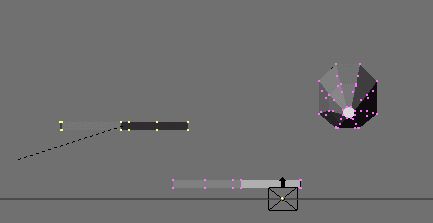
We're now going to rotate this new wing so it is facing outward opposite the other wing. (Huh? Sorry, best way I can think of saying it.) Move around to the FRONT view. You can rotate with the keypad or use the 1 shortcut. Once you are there, make sure the new wing is selected and hit the R key. Rotate it 180 degrees. You will have flipped it over.
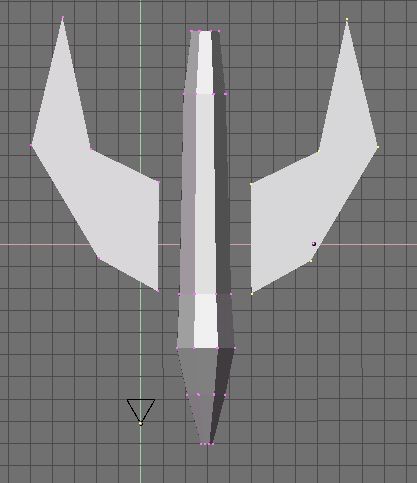
If you move back to the top view, you will see you now have a matching set of wings (hopefully.)
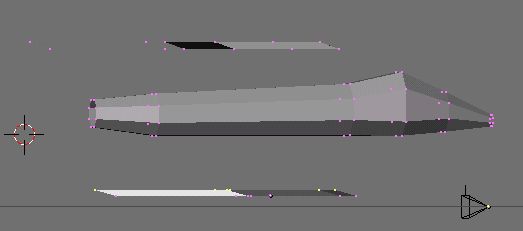
Go back to your side view. Your wings will not be lined up on the sides, and that's ok so far. We want the two wings at different levels so we can select them separately from this view. We duplicated the wings when they were SYMMETRICAL. This is IMPORTANT. The next step we are performing would make a duplicate that was flipped over asymmetrical, which is why we waited until we created both.
Select the top row of each wing and move them back a bit. This will give a cool, angular look to the wings.
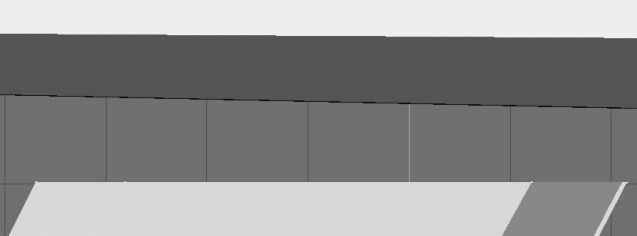
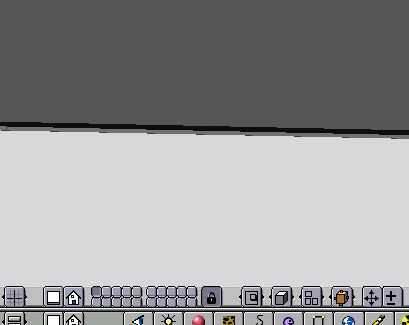
Once you are happy with your angle, go to the top view. You will now zoom in. The picture below shows you two controls you need to do so. The +/- control zooms in, and the big 4 way arrow next to it moves your view around. Select your wing and move it close to where it goes from top view. Then use the 4 way arrow to center on the space between the wing and the ship. Now zoom in as close as you can and still see the wing points. Move the wing as close as possible WITHOUT touching. Now deselect the whole wing, and select the individual points on the wing to place them as close as possible, with a bit of space in between them and the ship.
If you zoom in REAAALY closely, you should see a bit of space between your wing and the main ship body. I do this because Truespace will totally hose your faces when you import a model with any faces intersecting. Usually it flips them around on you and makes holes. I also do this because I don't know of a blender command to line up the faces exactly. But if you are way zoomed in with a tiny space, you cant see it as the ship flies by at 80 klicks in the game.