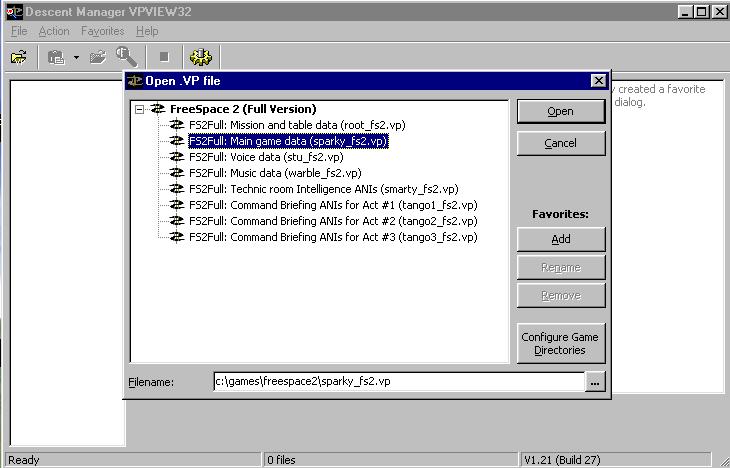
Welcome to part 2 of the Fighter Creation Tutorial, by me, Max. We are now going to create the textures for the model we created in Part 1 with Blender. You can download that model at the end of Part 1. We are going to use Paint Shop Pro. You can get it at www.jasc.com. Theres a 30-day demo, but the software itself is inexpensive. Alright, what we are looking at here is the tool VPView. Why? Because its got lots of perfectly cool textures in it that came with Freespace 2. We can use these by changing them a bit. Select the Main Game Data file, as shown. (You can get VPview here at VolitionWatch, just go to the menu on the right under FS2 there is a Downloads link.)
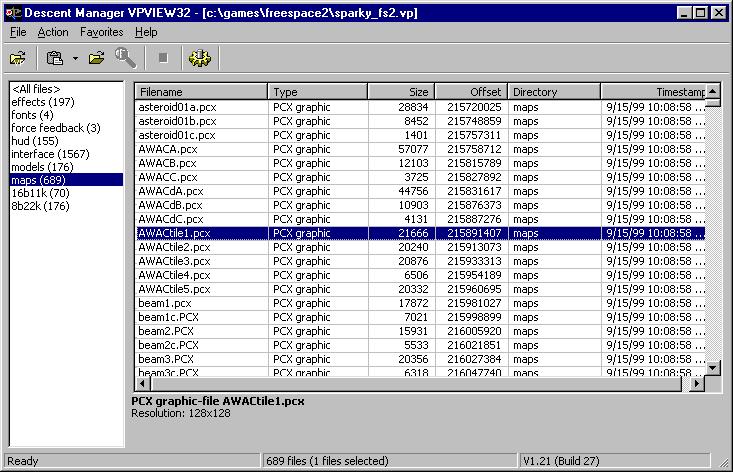
Browse the maps section of the VP file, and Extract various files that have the word "tile" in them. Those are ones we can use for our model. Get a good few so you'll be sure to have one you will like.
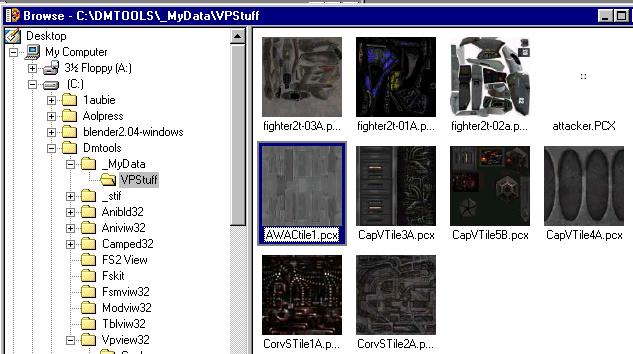
Okay. Now we will open up PSP. From the file menu, Browse the directory where you extracted the tiles. This way you can look through them and see which ones you might want to use for the model. I like the Awacs tile shown.
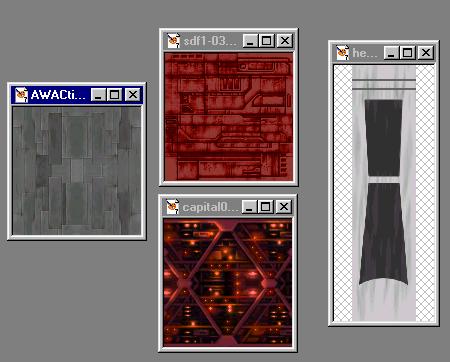
Here is the awacs tile, plus 2 tiles I've already taken from Freespace 2 and colored red. Also here's a cockpit texture I found from another model. I decided to make this ship red and gold because it reminds me of a Flash Gordon ship. Plasma thought I should make it black with pink pinstripes, but I decided you wouldnt be able to see much detail with a black ship. (Though really, shouldnt all space fighters be painted black to make them less visible? :) )
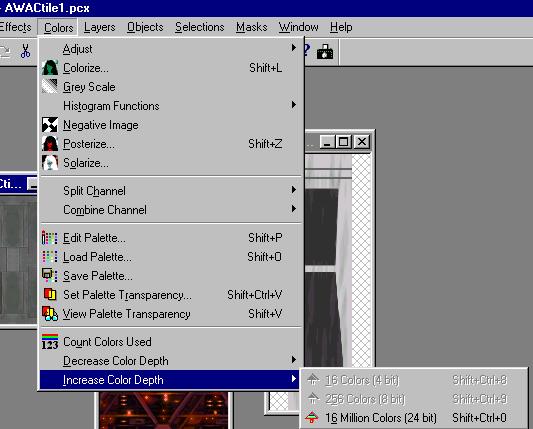
To do the graphic editing we want to do, we will have to increase the colors of the default PCX files to 16 million. (DONT save the resulting file in your FS2 directory btw.) This is the menu option to do this. Do this for all your textures now.