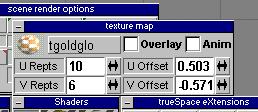
This is where we change the UV offset to move the way the texture gets applied to the model. Again, U shifts it on one axis and V shifts on the other. I've also adjusted the repetitions. You may have to spend a bit of time tweaking the settings and repainting the faces until you get what you want.
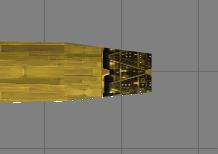
Now, that's more like what I wanted. And we don't have the ugly texture change from one face to another.
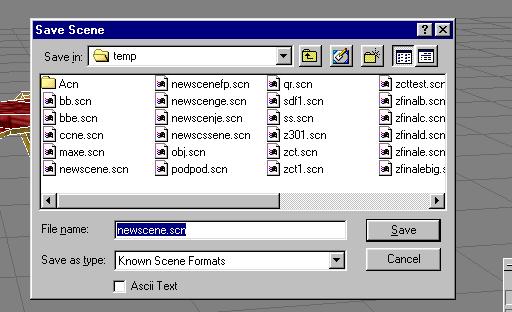
Let's take a moment to save our model. ALWAYS save a scene, because you can get caught up and accidentally save a light or some other object over top of yours. The scene gets everything. But also Save As, as a cob. If you mess up, you can go back to your scene. NOTE: If you have a version of Truespace that can ONLY save scenes, THATS OK. COB2FS2 can convert scene files as well as cob files.
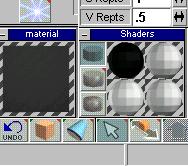
Now, I'm ready to apply the texture for the cockpit. I load it from the menu, but, all I get is this black preview. What is going on? Ahh! Ok, well, the real problem is that the texture is too high. A texture should be close to square, if it is too far off then it will not load. As you can see here. So, we gotta go back to PSP and fix this one.

Alright. Well, 128 X 128 is a good standard size. Freespace 2 uses 128 X 128 and 256 X 256 so those are nice standards. I'm using resize from the Image menu.