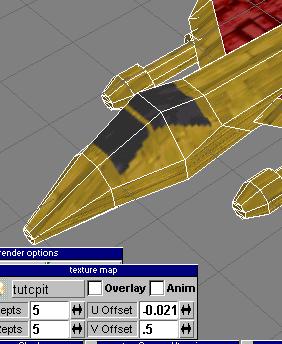
After playing around with the UV settings, I'm able to map the cockpit on there decently. However, I decided its a crappy looking cockpit. Ah well, we'll fix that later.
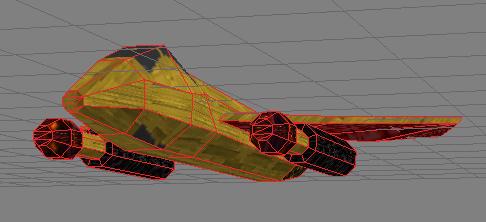
Well, I went ahead and painted the back of the guns black, the tips with the red glowing map, and a few other things. Since you've already painted a bit with the paint face tool, I skipped ahead here thinking you could paint more of your model yourself. Oh yeah, you can see where I accidentally painted a lower face with the cockpit texture if you look closely. I fixed that after this. Just used the magnifying glass to pick up the base gold map and painted over it.
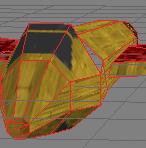
While rotating the model around, I noticed that a HOLE appears from this angle. *gasp!* This is because there is a non-flat face. So...
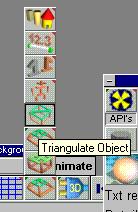
We triangulate! Woo!
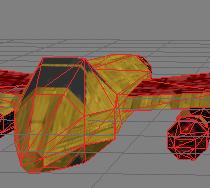
Tada! The hole is gone. You could also just draw an edge between the two points that split the non-flat face in half, but this way I get all holes I might have missed.