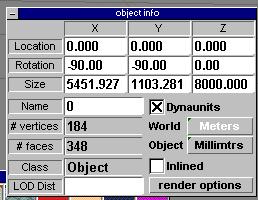
Now that we've split our square faces in two, lets check how many additional polys we've created. Over a hundred more, but we are still very low with this simple ship.
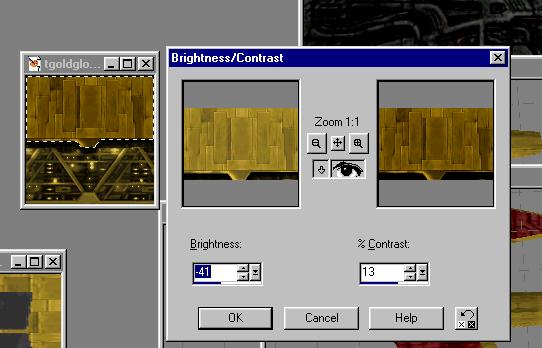
I've decided that the contrast is a bit much for the gold, so I want to darken up my gold textures. So, in PSP I'm adjusting the brightness and contrast from the Colors menu. The nice thing is that it will remember your settings so I can apply the same darkness to each gold texture.
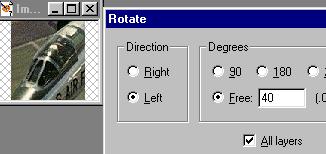
And let's take care of that cockpit. I've got a bunch of picture of fighter planes... I'll just clip this cockpit...rotate it about 40 degrees...
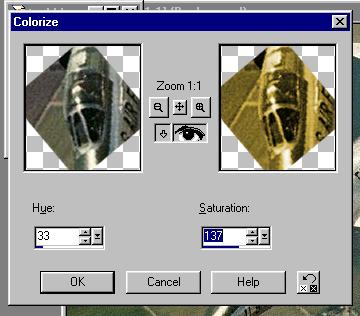
Colorize the cockpit to match...
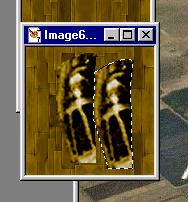
Now I'm pasting two copies of it into a copy of the base gold tile. I selected the outline of the cockpit using the point-to-point select tool (the rope icon.) Then I made an extra copy so I can create a mirror image of it... under the Image menu choose Mirror. Place the second copy along the first one...