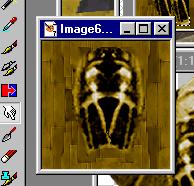
And you've got a new cockpit. The nice thing is since you've already painted it on, it will remember the old UV mapping, but replace it with the new texture. So, we save this file over top of the old cruddy cockpit. I used the blur tool (the finger icon) to smudge the edges of the cockpit, effectively blending it into the texture.
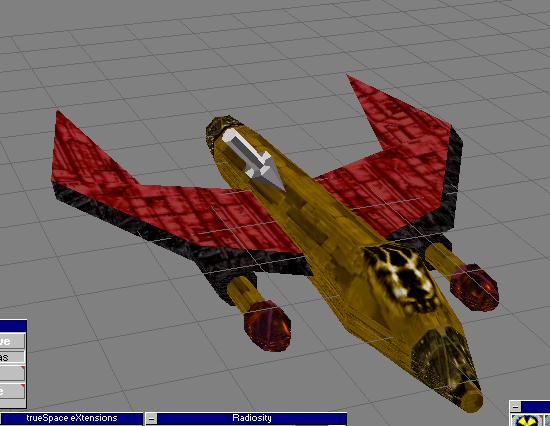
Now I can see the cockpit in Truespace... it looks better but I think its too narrow so I'll widen it a bit on the texture map. I could change the UV reps but then I'd have to repaint it and I'd rather not.
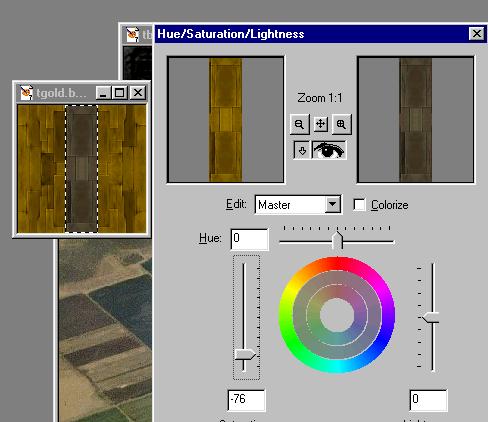
Stripes. I want black stripes. Back to PSP. That will make this ship complete. So, I'm going to have to make a few more textures. Now, to make them match up nicely, I'll again start from my base texture and select a central area. To make it "less colorful", I'll use the Hue/Saturation controls to suck all the saturation out of that central area. And, now we have a stripe. Well, at least, after I darken the stripe with the brightness control.
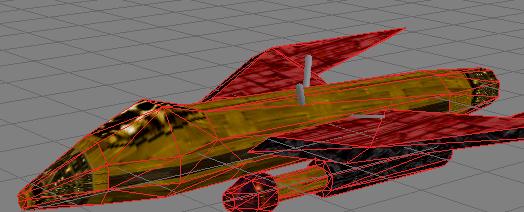
As you can see, it looks like we need to make another stripe texture for the front and back to match. See those weird things sticking out of the body? The grey bars? Those are the lights being rendered... that's why you turn that off like I mentioned earlier.
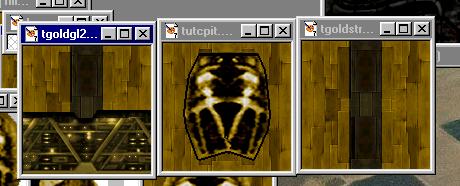
Back to PSP. Here you can see my additional glow texture with a stripe, and a nice touched-up cockpit.