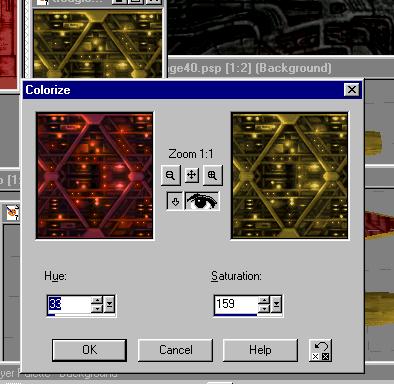
I've decided I'd like to use the red glow texture, but as a gold. So, I go back to PSP and use my colorize setting I used before on the red glowing texture. Save it as a new file, tgoldglo, and we're ready to go.
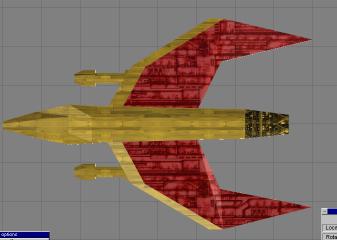
I painted the back with the new texture, but, well, I don't like it. It looks bad because the texture just ends at the edge of the polygon. What we need is a better transition. Lets work more on this texture in PSP.
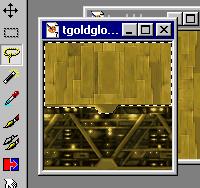
I selected the top of this texture, including the small lip of metal. Then, I cut part of the base gold texture and pasted it into this selection. Now we have a texture that shows a better transition. But its still not good enough.
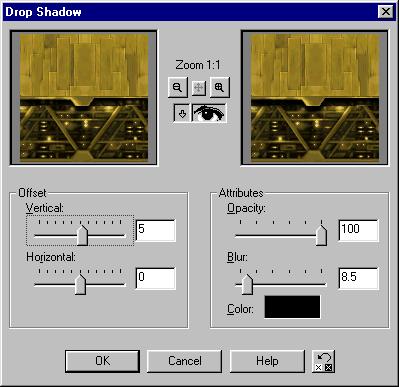
I want to apply a drop shadow here to make it look more 3D... in fact, the Drop Shadow tool is under the 3D effects menu, under effects. I applied it twice here for a big shadow.
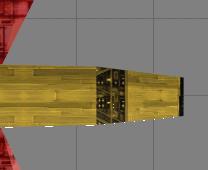
Okay, so now we go back into TS and paint with our new texture... but what's this? It isnt lined up the way I want it at all. Let's see how to deal with that.